
Keycard systems are the better fit for most businesses, and biometric readers are the better fit for a small number of specific doors. Keycards cost less per door, work for every employee, and handle visitors and vehicles that biometrics cannot. Biometrics eliminate credential sharing and lost-card replacement, which matters most at high-value openings like server rooms, cash handling areas, and controlled inventory. The practical answer for most commercial buildings is not one or the other: it is keycards throughout, with biometric readers at the two or three doors where a shared credential would create real risk.
Key Takeaways
- Keycards win on cost, coverage, and flexibility; biometrics win on preventing credential sharing and eliminating replacement cards
- The core difference is what each one verifies: a keycard confirms someone has a valid credential, a biometric confirms who is at the door
- A small percentage of employees cannot enroll cleanly on fingerprint readers, which is a real operational issue you should plan for, not a rounding error
- Biometrics cannot serve visitors, deliveries, or vehicle entrances, so most sites still need card or intercom hardware alongside them
- Collecting biometric data creates privacy and compliance obligations that a keycard system does not
- A hybrid layout is what we install most often, because it puts the expensive technology only where it changes the risk
1. What Each System Actually Verifies
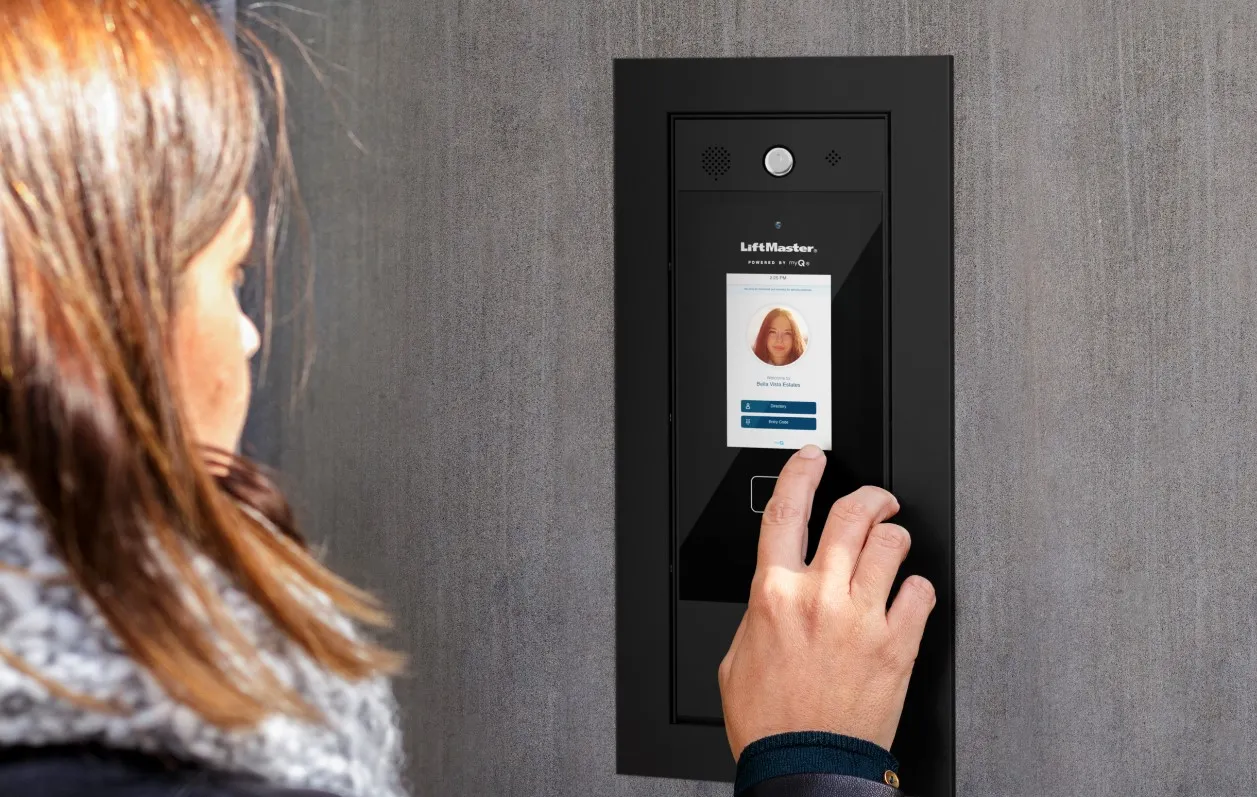
The difference that matters is not the hardware, it is what the door is confirming before it unlocks. A keycard verifies possession. A biometric reader verifies identity. Every other tradeoff in this comparison flows from that one distinction.
How biometric and keycard access control systems differ at the door
A keycard system reads a credential the user carries: a card, a fob, or a phone. The reader asks one question, which is whether this credential is valid and permitted at this door right now. It does not know, and cannot know, who is holding it. If the card is valid, the door opens.
A biometric system reads a physical characteristic: a fingerprint, a hand geometry, an iris pattern, or a face. It compares that reading against a stored template and asks whether this person is an enrolled user permitted at this door. There is nothing to hand to a coworker.
This is why the audit trail differs in quality even though both systems produce one. A keycard log tells you that Card 4471 opened the warehouse door at 6:42 AM. A biometric log tells you that the person enrolled as that user was physically present at that door. In an investigation, the second is far more useful, and in a dispute it is much harder to argue with.
Both types are components within the same access control system architecture. The controller, the software, the wiring, and the lock hardware are largely the same. You are choosing the reader at the door, not a different system. If you want to see how that shared infrastructure gets built before you decide which reader sits on top of it, walk through How to Install and Configure Access Control Systems: A Step-by-Step Guide for Businesses
2. Cost and Total Ownership
Biometric readers cost several times what a comparable card reader costs, but they nearly eliminate the ongoing credential expense, so the honest comparison is over years rather than at purchase.
Comparing biometric and card reader system costs over time
Where keycards cost less:
- Reader hardware per door is the lowest of the options
- Spare readers are inexpensive to stock
- Installation is simpler, since there is no enrollment station to set up and no template database to configure
Where keycards cost more over time:
- Every new hire needs a credential
- Every lost or damaged card needs replacing, and in high-turnover operations this is a continuous line item
- Every departure ideally means a card returned, and in practice many are not
Where biometrics cost less over time:
- No credentials to buy, lose, or replace, ever
- No administrative time spent issuing and collecting cards
- Deactivation is instant and complete, with nothing left in circulation
Where biometrics cost more:
- Reader hardware, by a wide margin
- Enrollment labor at rollout, and again for every new hire
- Higher maintenance sensitivity, since optical and capacitive sensors need cleaning and are less tolerant of dust, moisture, and glove use than a card reader
Our rule of thumb from the field: biometrics start to pay back on a specific door when either the turnover is high enough that credential churn is a real cost, or the consequence of one shared credential is severe enough that the hardware premium is irrelevant. Outside those two cases, a card reader system is the better value. For a full line-item breakdown of both options, see Access Control System Costs: How Much Should You Budget for Installation and Maintenance?
3. Security: What Each One Actually Prevents
Keycards fail in one specific way that biometrics close completely, which is credential sharing. Understanding exactly which threats each system stops keeps you from overbuying.
Which access control method offers better security for your business
What a keycard system does not prevent:
- Sharing. An employee handing a card to a coworker, a contractor, or a family member. This is the most common real-world breach we see, and it is almost never malicious. It is convenience.
- Use of a card that was never returned after a departure, until someone remembers to deactivate it
- Cloning, on older low-frequency card formats. Modern encrypted credentials are substantially harder to copy, but legacy 125 kHz cards remain widely deployed and are trivially duplicated.
What a biometric system does not prevent:
- Tailgating. Someone following an authorized person through an open door. No reader of any type stops this, which is why door-held-open alerts matter more than reader choice.
- Coercion. A credential that cannot be shared also cannot be left at home, which in a robbery scenario is not entirely an advantage.
- Propped doors, which defeat every access control system ever installed.
A note on hardware quality that applies to both: the reader, controller, and lock hardware should carry a current listing from UL Solutions, which evaluates access control equipment for both physical performance and, on network-connected devices, cybersecurity. This matters more with biometric readers than most buyers realize, because a biometric reader stores sensitive template data and is a networked device, so its firmware and encryption practices are part of your security posture rather than an afterthought.
Our honest read: for most commercial buildings, upgrading from legacy unencrypted cards to modern encrypted credentials closes more real risk, at less cost, than jumping to biometrics. Sharing is the threat biometrics solve well. If sharing is not your problem, biometrics are solving something you do not have.
4. Enrollment, Failure Rates, and the Employees Who Cannot Use It
A small but consistent percentage of people cannot enroll reliably on fingerprint readers, and this is the operational surprise that catches businesses off guard after the install. It is worth planning for before you commit.
Why some employees struggle with biometric readers
Fingerprint quality varies for reasons nobody controls. Workers in trades that abrade the fingertips, including construction, warehousing, kitchen work, and anything involving solvents or adhesives, often present worn ridge detail. Certain skin conditions, some medications, age-related changes, and dry climates all reduce readability. Independent testing consistently shows a nonzero failure-to-enroll rate, and in a hands-on workforce it runs higher than in an office population.
What this looks like in practice: a handful of employees who have to try three or four times each morning, and one or two who simply never read reliably. That produces a queue at the door, workarounds, and eventually someone propping the door open, which undoes the entire investment.
How to plan for it:
- Enroll multiple fingers per user, not one, which resolves most marginal cases
- Keep a card or PIN fallback on every biometric door, provisioned for the individuals who need it rather than issued to everyone
- Run a pilot enrollment with a representative group before ordering hardware for the whole building. This is the single most useful thing you can do, and it takes an afternoon.
- Consider a different modality for hands-on workforces, since facial and iris readers are unaffected by fingertip wear
Keycards have no equivalent problem. Every employee can carry a card. That reliability across an entire population is an underrated advantage and a large part of why keycards remain the default.
5. Visitors, Deliveries, and Vehicle Entrances
Biometric readers only work for people you have enrolled, which means they cannot serve anyone you have not met yet. This is a structural limitation, not a product shortcoming, and it determines how much of your property biometrics can actually cover.
What biometric systems cannot handle at your entrances
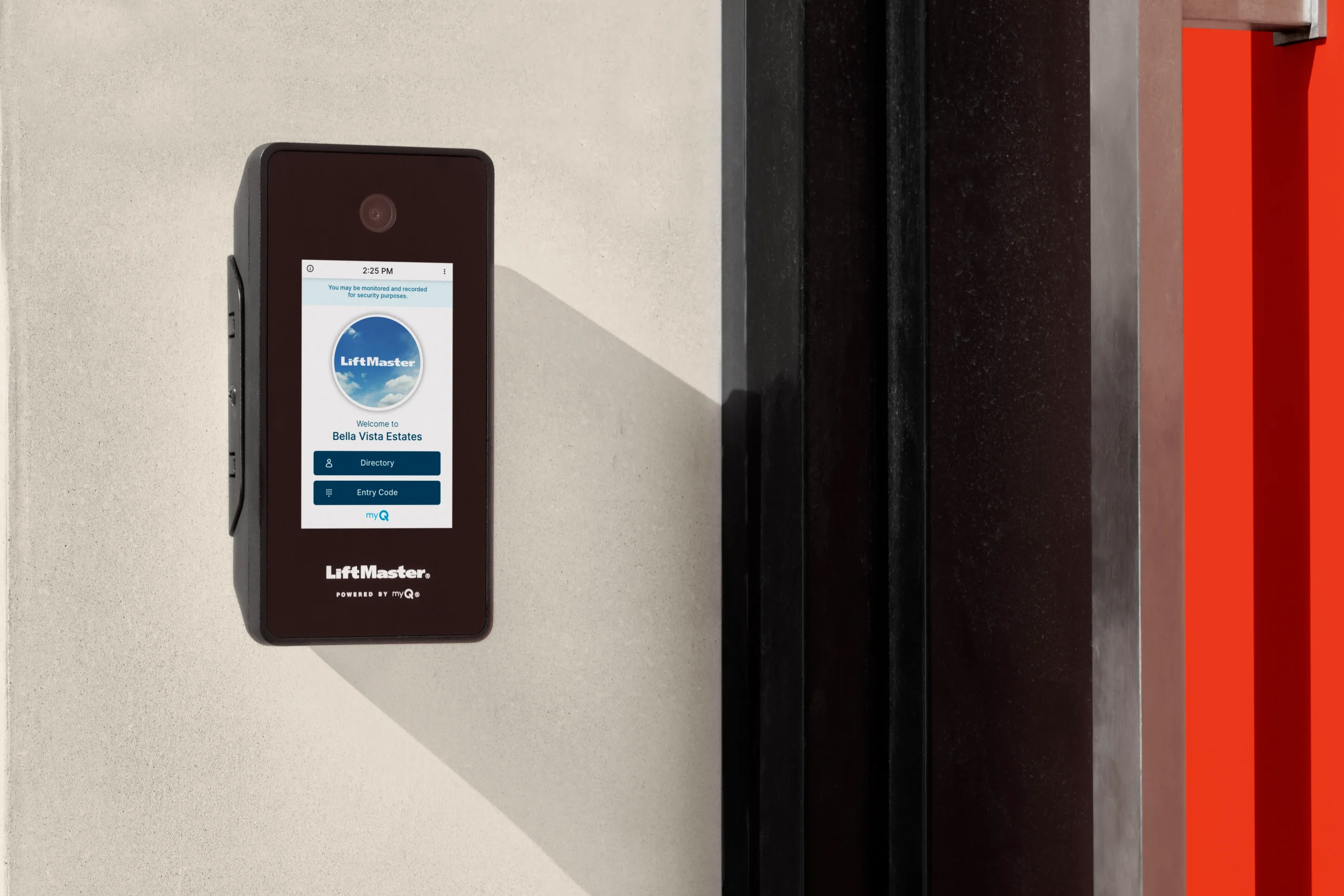
Visitors and deliveries. A courier, a vendor, a job applicant, and a client all need to get in without being enrolled in your biometric database. The practical answer is a telephone entry system at the main entrance so visitors can call the person they are there to see. Multi-tenant buildings need this regardless of what reader technology sits on the interior doors. Enrolling a one-time delivery driver’s fingerprint is neither reasonable nor legal in most cases.
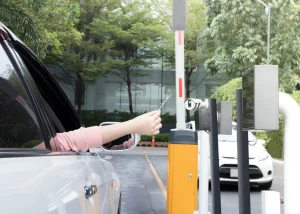
Vehicle entrances. A driver is not going to put a finger on a reader from the cab, and mounting a biometric reader at a lane is impractical for weather and reach reasons. A parking control barrier is operated by a card, a fob, a long-range tag, or plate recognition. If your site has a gated lot, that portion of your access control will be credential-based no matter what you choose for the doors.
Temporary and contract workers. A three-week contractor can be handed a card in thirty seconds and have it deactivated the same way. Enrolling and then purging biometric templates for short-term staff is administrative work with a compliance tail attached to it.
The takeaway is that almost no commercial property is biometric-only. Once you accept that you will have credential-based readers at the perimeter, the lobby, and the vehicle lane, the question narrows usefully to which interior doors justify the upgrade.
6. Privacy, Compliance, and Data Responsibility
A keycard system stores a number. A biometric system stores data derived from your employees’ bodies, and that difference carries legal weight.
Privacy obligations that come with biometric access control
California treats biometric information as sensitive personal information, which means collecting it creates obligations a card system does not: disclosure at collection, a defined retention and deletion practice, and reasonable security around the stored data. Other states have stricter statutes with private rights of action attached, which matters if you operate across state lines.
Practical requirements to plan for:
- Written notice and consent at enrollment, explaining what is collected, why, and how long you keep it
- A deletion procedure for departing employees, executed on a schedule rather than when someone remembers
- A documented alternative for employees who decline or cannot enroll, since a policy with no fallback invites a problem
- Vendor diligence on where templates are stored, whether they leave your premises, and how they are encrypted
One technical point that helps: most reputable systems store a mathematical template rather than an image of the fingerprint, and the template cannot be reversed into the original print. That is worth explaining to employees, because resistance to biometric rollouts is common and usually rooted in the assumption that you are keeping a picture of their fingerprint.
Our rule of thumb from the field: if you are not prepared to write and maintain a biometric data policy, install card readers. The hardware is the easy part of a biometric deployment. The governance is the part that outlives the install.
7. Where Each One Actually Belongs
The layout we install most often is not a choice between the two, it is a deliberate mix. Put credential readers where you need coverage and flexibility, and biometrics where identity certainty changes the outcome.
How to combine biometric and keycard readers in one system
Use keycards for:
- General entry doors and main employee entrances
- Interior doors between low-sensitivity areas
- Any door used by contractors, temporary staff, or rotating personnel
- Vehicle lanes and perimeter gates
- Any location where throughput at shift change matters, since card readers are faster per user
Use biometrics for:
- Server and network rooms
- Cash handling, safes, and cash office doors
- Controlled inventory: pharmaceuticals, firearms, precious metals, regulated chemicals
- Records rooms holding regulated data
- Any door where an audit log needs to survive a dispute about who was present
One safety point that applies to every door regardless of reader type: free egress from the inside is not optional. Codes published by NFPA govern how a secured door must behave during a power loss or fire alarm, and no credential of any kind can be required to get out of a building. If a vendor proposes a configuration where a person needs to present a fingerprint or a card to exit, that is a code problem, not a feature. This is one of several reasons the reader choice is a smaller decision than the installation quality around it.
Once you have the reader layout settled, the next question is usually how the doors, cameras, and gates talk to each other, since a mixed reader environment only produces one clean audit trail if the pieces are tied together properly. See Integrating Access Control with CCTV and Gate Systems: Complete Security Setup
Biometric vs. Keycard: Side-by-Side Comparison
Factor | Keycard System | Biometric System |
What it verifies | Possession of a valid credential | Identity of the person present |
Reader hardware cost | Lowest | Several times higher |
Ongoing credential cost | Continuous, scales with turnover | Effectively none |
Credential sharing | Possible, and common | Not possible |
Lost credential risk | Requires prompt deactivation | Nothing to lose |
Works for every employee | Yes | No, small percentage cannot enroll cleanly |
Speed per user | Faster, better at shift change | Slower, can queue at high traffic |
Visitors and deliveries | Workable with a temporary card | Not workable, needs intercom |
Vehicle lanes | Yes, card, fob, tag, or plate | Not practical |
Audit trail strength | Credential-level | Person-level |
Privacy and compliance load | Minimal | Notice, consent, retention, deletion |
Maintenance sensitivity | Low | Higher, sensors need cleaning |
Best fit | General access, most doors | Two or three highest-risk doors |
Conclusion
If you are choosing one technology for an entire building, choose keycards. They cover every employee, handle visitors and vehicles, cost less per door, and move people through faster at shift change. If your concern is that credentials get shared, or that a specific room needs an audit trail that holds up under scrutiny, add biometric readers at those specific doors and keep cards everywhere else.
The mistake we see most often is not picking the wrong technology. It is spending the biometric premium across an entire building and then discovering that the delivery driver still cannot get in, the parking gate still needs a fob, and four employees still cannot enroll. Scope the risk door by door and the budget resolves itself.
If you are in San Leandro or the greater East Bay and want someone to walk your property and tell you honestly which doors justify biometrics and which do not, R&S Overhead Garage Door, Inc. will do that assessment and quote both options side by side. Schedule a free security assessment or call us to talk it through.