
Access control costs are driven by four things: how many doors you are securing, which reader technology you choose, how much electrical and cabling labor the building requires, and whether your software is a one-time purchase or a subscription. Labor is usually the larger half of a first-time installation, not the hardware. Budget for ongoing costs too, since credentials, service visits, and software licensing continue after the install is finished. This guide breaks down every line item so you can read a quote and know what you are actually paying for.
Key Takeaways
- Door count is the single biggest cost driver, so finalize which entry points you are securing before requesting any quote
- Labor and electrical work typically exceed hardware cost on a first-time installation, especially in older buildings
- Reader choice changes the budget significantly: card readers sit at the low end, biometric readers at the high end
- Cloud software lowers upfront cost but adds a recurring subscription, while on-premise reverses that tradeoff
- Vehicle entrances and perimeter hardware are priced separately from door hardware and are easy to leave out of a budget by accident
- Plan for ongoing costs from day one: replacement credentials, annual service, battery replacement, and software renewals
1. Door Count and Entry Points
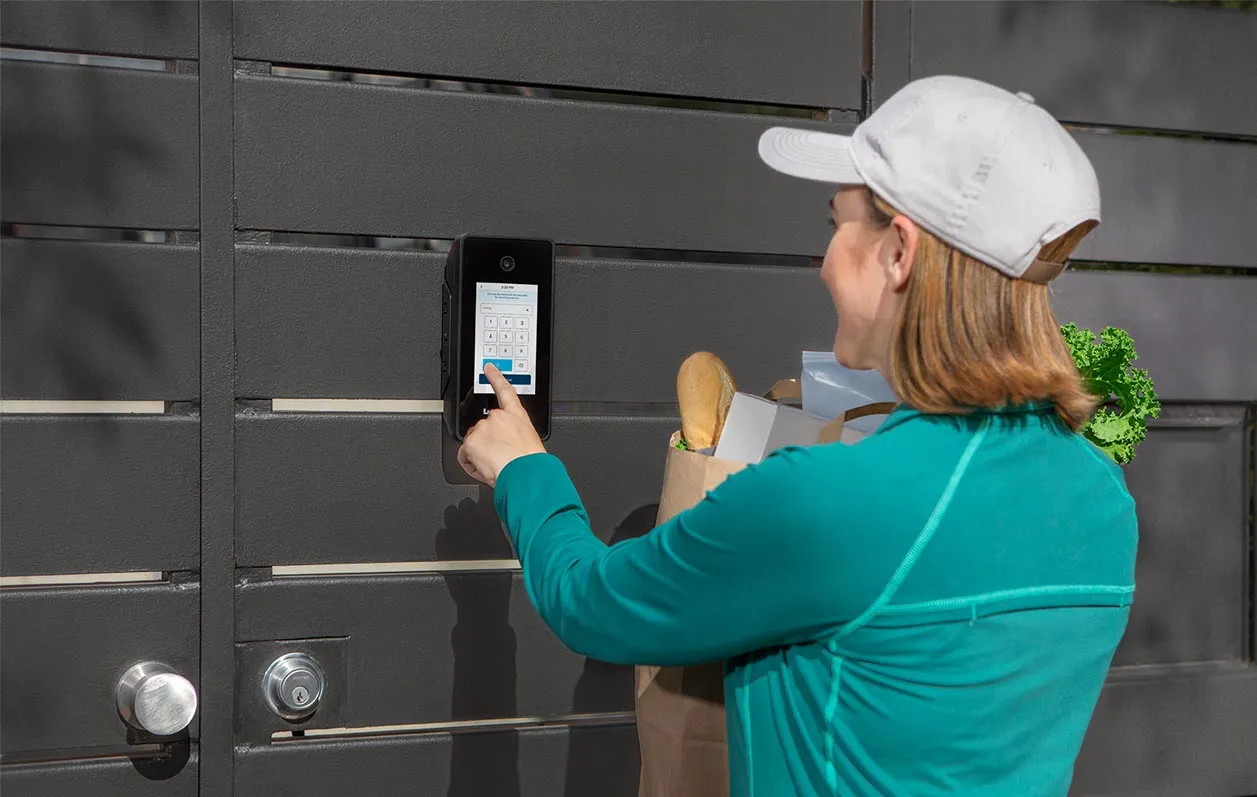
Every quote you receive will be built on a per-door basis, which makes door count the number that moves your budget most. Adding one more secured door adds a reader, a lock or strike, a cable run, and labor, all at once.
Why door count drives access control system costs more than anything else
A single-door installation and a twelve-door installation are not proportional. The first door carries the shared costs: the controller, the power supply, the software setup, and the trip charge. Each additional door after that is cheaper on a per-unit basis, which is why installing six doors at once costs meaningfully less than installing two doors three times.
What increases the per-door figure:
- Doors far from the controller or network closet, since long cable runs mean more conduit and more labor hours
- Exterior doors, which need weather-rated hardware and often deeper frame work
- Fire-rated doors, where the hardware has to preserve the door’s rating
- Glass or aluminum storefront doors, which need specific strike types and more careful fitting
- Doors with existing hardware that has to come out first
How to budget for it: Walk the building and split your doors into two lists. The first list is doors you need secured now. The second is doors you would like secured eventually. Get your installer to quote both, because the incremental cost of adding the second list during the same visit is almost always lower than doing it as a separate project later. If budget forces a phased approach, ask that the controller and cabling be sized for the full plan even if you only populate half the readers now. Retrofitting capacity costs more than building it in.
If you have not yet mapped your entry points, start with our full access control system overview to see which door types apply to your building.
2. Reader Technology and Credential Type
Your reader choice can swing the hardware portion of your budget by a factor of three or more, so this is the decision worth slowing down on. The reader is what users touch, and it sets both your upfront hardware cost and your ongoing credential cost.
How reader technology affects your access control budget
Card and fob readers (lowest hardware cost)
A card reader system is the most common choice for small and mid-sized commercial buildings, and it is the baseline most quotes are built around. Hardware cost per door is the lowest of the three options. The ongoing cost is credentials: every new hire needs a card, and every lost card needs replacing. Budget a small recurring amount per employee per year for replacements.
Telephone entry and intercom (moderate cost, different job)
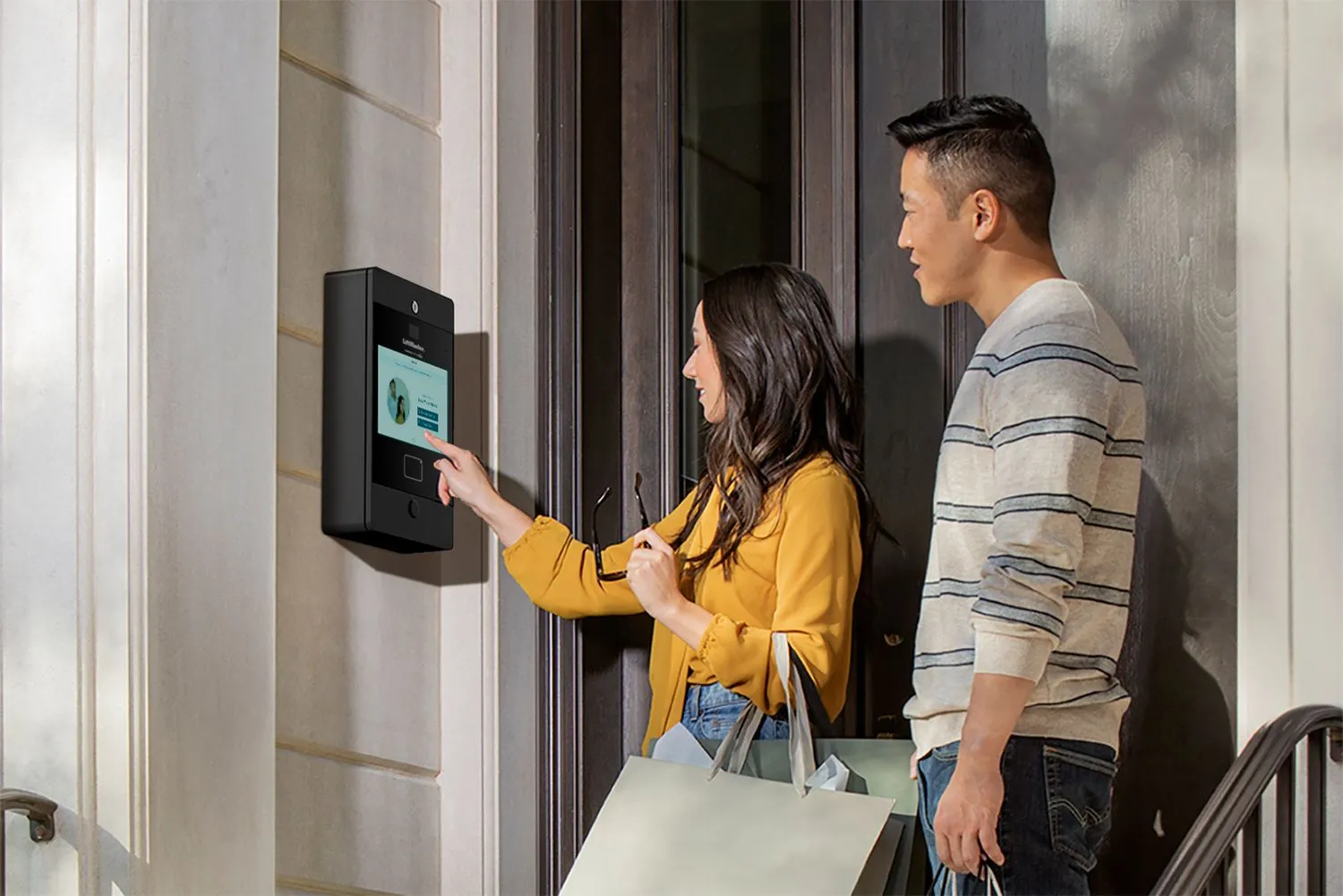
A telephone entry system is not a substitute for a reader, it is an addition. It handles visitors, deliveries, and tenants who need to buzz someone in, which a card reader cannot do. Multi-tenant buildings, gated properties, and any site with regular deliveries usually need one. The cost sits between a card reader and a biometric reader, and the unit is typically installed at one main entrance rather than at every door, which keeps the total manageable.
Biometric readers (highest hardware cost, lowest credential cost)
Fingerprint and facial recognition readers cost several times what a comparable card reader costs. In exchange, your credential cost drops to nearly zero, since there is nothing to lose or replace. For a facility with high turnover, that tradeoff can pay back over time. For a small stable team, it usually does not.
Our rule of thumb from the field: put card readers on general-access doors and reserve biometric readers for the two or three openings where a shared credential would actually create risk. Buying biometric hardware for every door is the most common way we see businesses overspend on a first system. For a full breakdown of the tradeoffs, read Biometric Access Control vs. Keycard Systems: Which Security Solution Fits Your Business?
3. Labor, Electrical Work, and Licensed Installation
On most first-time installations, labor and electrical work cost more than the hardware itself. This surprises people who priced readers online and built a budget from those numbers.
What licensed installation adds to access control system costs
What you are paying for:
- Cable and conduit runs from each reader back to the controller, priced by distance and by how accessible the path is
- Door and frame preparation, including cutting the frame for the strike and mounting the reader at the correct height
- Electrical connection and grounding, which has to meet code and be inspected in most jurisdictions
- Backup power sizing and installation
- Commissioning and testing of every door before the system goes live
Buildings that cost more to wire: older construction with plaster or masonry walls, buildings with no accessible ceiling space, multi-story sites where cable has to cross floors, and any building where asbestos or lead paint surveys are required before you open a wall. Newer commercial construction with cable trays and drop ceilings sits at the low end.
Compliance work is part of the labor line. Door hardware height, opening force, and maneuvering clearance are governed by the standards published at ADA.gov, and a reader mounted at the wrong height is a liability you will pay to correct later. If a secured door serves an accessible route, you may also need a power operator, which is a separate hardware line item that catches many first-time buyers off guard.
Verify the license before you compare the numbers. In California, low-voltage security work falls under a C-7 classification, and you can check any contractor’s status directly with the CSLB. An unlicensed bid will almost always be the cheapest quote in the stack, and it is the one that leaves you holding the code violation, the failed inspection, and the insurance problem. Treat a license check as part of your cost comparison, not a separate formality.
For a step-by-step look at what the installation itself involves, see How to Install and Configure Access Control Systems: A Step-by-Step Guide for Businesses
4. Software, Licensing, and Subscriptions
This is the line item most likely to be missing from your first budget, because it does not show up as a box on a truck. Software is what turns the hardware into a system, and how it is licensed changes your cost profile permanently.
Comparing cloud and on-premise access control software costs
Cloud-hosted software lowers your upfront cost, since there is no server to buy and less on-site setup. In exchange you pay a recurring fee, usually billed per door or per user per month. Over a five to seven year horizon, the subscription total often exceeds what an on-premise license would have cost. What you get for it: automatic updates, off-site backups, remote management from a phone, and no dependence on in-house IT.
On-premise software is a larger one-time purchase with a smaller ongoing cost, usually an optional annual support and update fee. You own the license. You also own the server, the backups, and the responsibility for keeping it patched.
Costs to ask about specifically, because they are commonly excluded from the headline number:
- Per-user or per-door licensing tiers, and what happens to your price when you cross a tier
- Whether mobile credentials carry a separate per-user fee
- Whether integration with cameras or gates requires a higher software tier
- What the renewal increase has looked like historically
- What happens to your access data and audit logs if you stop paying
Our rule of thumb from the field: if you have no dedicated IT staff, cloud is usually the better value even when the multi-year total is higher, because the alternative cost is your own time and an eventual emergency call when the server fails.
5. Vehicle Entrances and Perimeter Hardware
Vehicle access is priced entirely separately from door access, and leaving it out is one of the most common budgeting mistakes we see. If your property has a lot, a gated drive, or a loading area, this belongs in the plan from the start.
Budgeting for parking control barriers and gate hardware
A parking control barrier costs more to install than an interior door reader, for reasons that are physical rather than technological:
- Trenching and conduit to bring power and data to the barrier location, which often means cutting and patching pavement
- Vehicle safety sensors, including loop detectors or photo eyes that prevent the arm from lowering onto a car, which are not optional
- A weather-rated reader at driver height, and sometimes a second one for the exit lane
- Higher-duty-cycle equipment, since a barrier at a busy lot cycles far more often per day than any pedestrian door
Costs scale with lane count. A single in-and-out lane is a much smaller project than separate entry and exit lanes with a call box at each.
How to budget for it: get the vehicle entrance quoted in the same proposal as your doors, even if you intend to phase it. The trenching is the expensive part, and doing it once while the crew is already on site is far cheaper than mobilizing a second time. Tying the barrier to the same controller as your doors also means one credential works everywhere, which is what most clients actually want. See Integrating Access Control with CCTV and Gate Systems: Complete Security Setup for how these pieces connect.
6. Ongoing Maintenance and Replacement Costs
Access control is not a one-time purchase, and the businesses that get frustrated with their systems are usually the ones that budgeted as though it were. Plan for the recurring line items from the beginning.
What access control maintenance costs each year
Predictable annual costs:
- Replacement credentials for new hires, lost cards, and departing employees
- Backup battery replacement, typically every three to five years per controller, since a dead battery means the system has no protection during an outage
- Software subscription or support renewal
- An annual service visit to test strikes, clean and verify readers, confirm backup power, and check that door alignment has not drifted
Costs that arrive unpredictably:
- Strike and lock replacement on high-traffic doors, which wear out faster than most owners expect
- Reader failure, usually from weather exposure on exterior doors or physical damage
- Door and frame adjustment, since a door that has sagged will stop latching cleanly and the lock will report faults that are not electrical at all
- Emergency service calls, which are billed at a premium rate outside business hours
Our rule of thumb from the field: set aside a modest annual percentage of your original system cost for maintenance, and treat a scheduled service visit as the cheaper alternative to an emergency call. The most expensive access control problems we get called for are the ones where a small fault went unreported for months and took the door hardware with it.
Upfront vs. Ongoing: Where Your Budget Actually Goes
Cost Category | Upfront or Ongoing | Relative Budget Impact | What Changes It |
Reader hardware | Upfront | Moderate | Card readers lowest, biometric highest |
Locks, strikes, and door prep | Upfront | Moderate | Fire-rated, glass, and exterior doors cost more |
Labor, cabling, and electrical | Upfront | Highest | Building age, wall type, and cable distance |
Controller and power supply | Upfront | Moderate | Number of doors per controller |
Software license or setup | Upfront | Low to moderate | On-premise is higher upfront than cloud |
Vehicle barrier and trenching | Upfront | High if applicable | Lane count and pavement work |
Software subscription | Ongoing | Moderate | Per-door or per-user tiers |
Replacement credentials | Ongoing | Low | Headcount and turnover rate |
Annual service visit | Ongoing | Low to moderate | Door count and traffic volume |
Backup batteries | Ongoing | Low | Replaced every three to five years |
Emergency service calls | Ongoing, unpredictable | Varies | Preventable with scheduled maintenance |
Conclusion
The honest answer to “how much does access control cost” is that it depends on your door count, your building, and your reader choice, in that order. What you can control is how accurately you scope it. Map your doors before you request quotes, decide where you actually need high-security credentials instead of defaulting to the most expensive option everywhere, get vehicle entrances quoted in the same proposal as your doors, and budget for the recurring costs from day one rather than discovering them in year two.
When you compare quotes, compare what is included rather than the bottom line. A quote that looks high may include the compliance work, the backup power, the commissioning, and the licensed electrical labor that a cheaper quote left out. Ask each bidder what happens on day two: who you call, what a service visit costs, and what the software renewal looks like in three years.
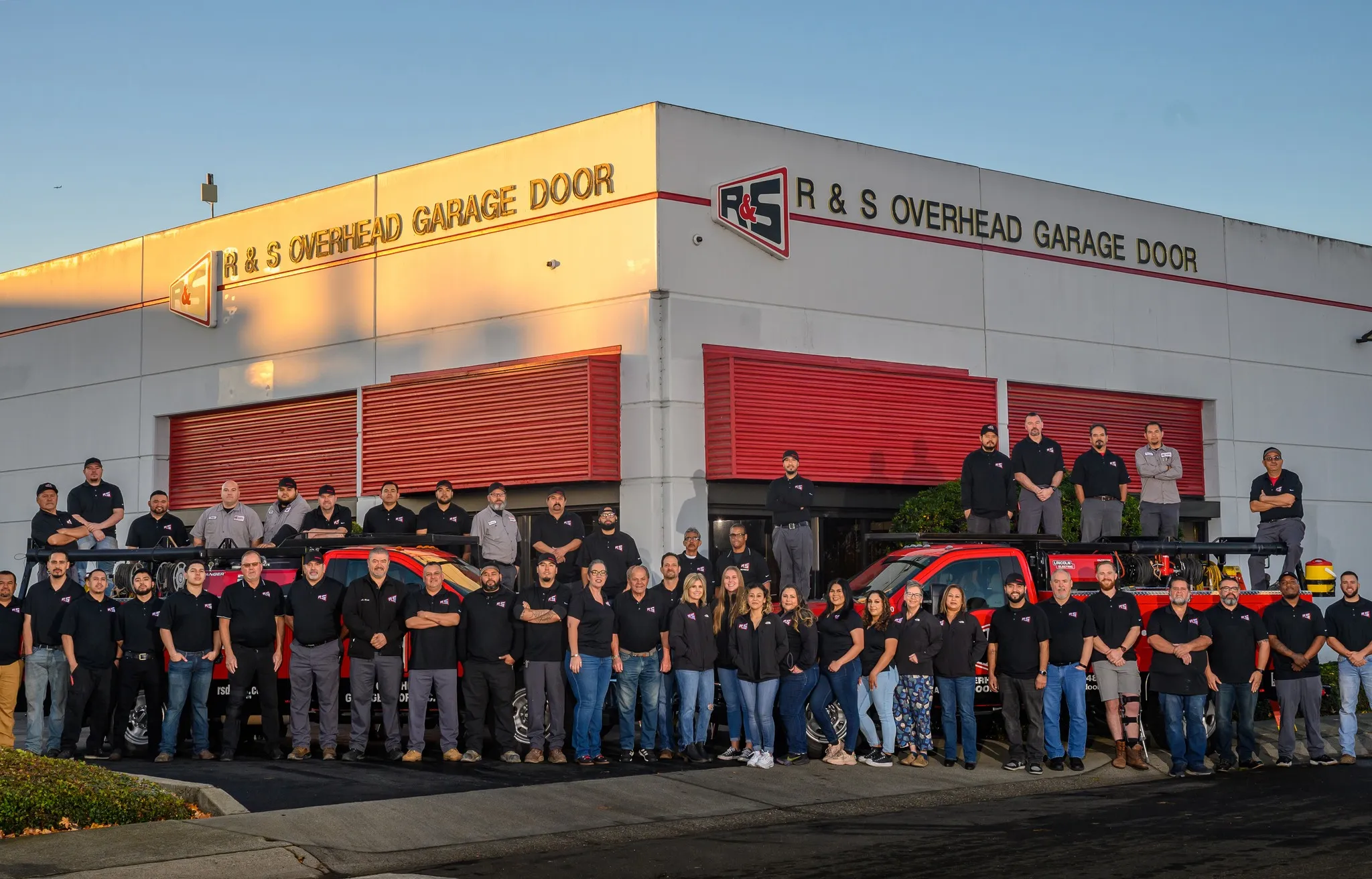
If you operate in San Leandro or anywhere in the East Bay and want a line-itemed proposal rather than a single number, R&S Overhead Garage Door, Inc. will walk your property, scope the doors and vehicle entrances together, and show you exactly what each line covers so you can budget with real figures. Request a free on-site quote or call us to talk through your options.